3D product models from photos and sketches
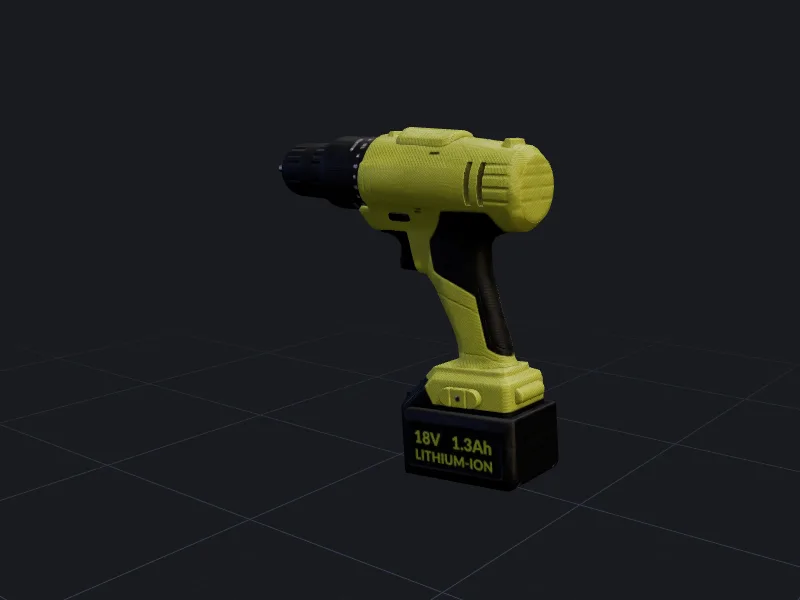
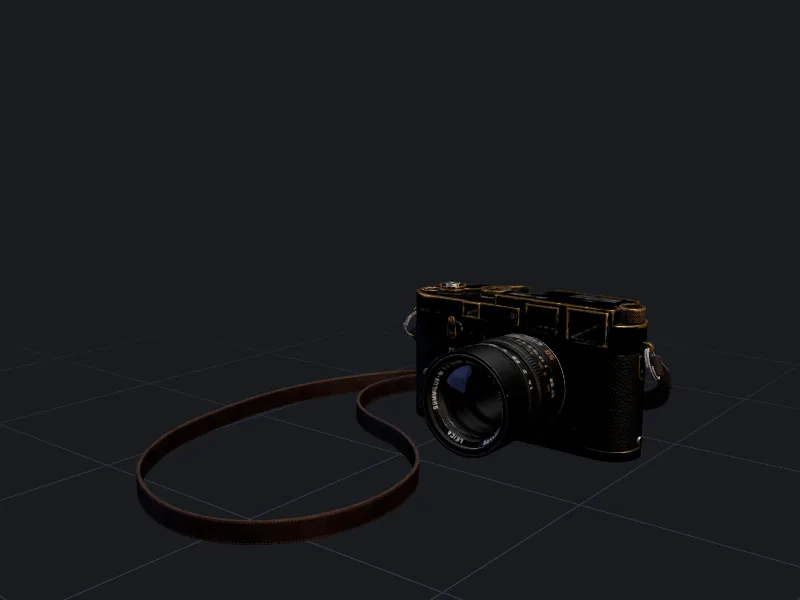
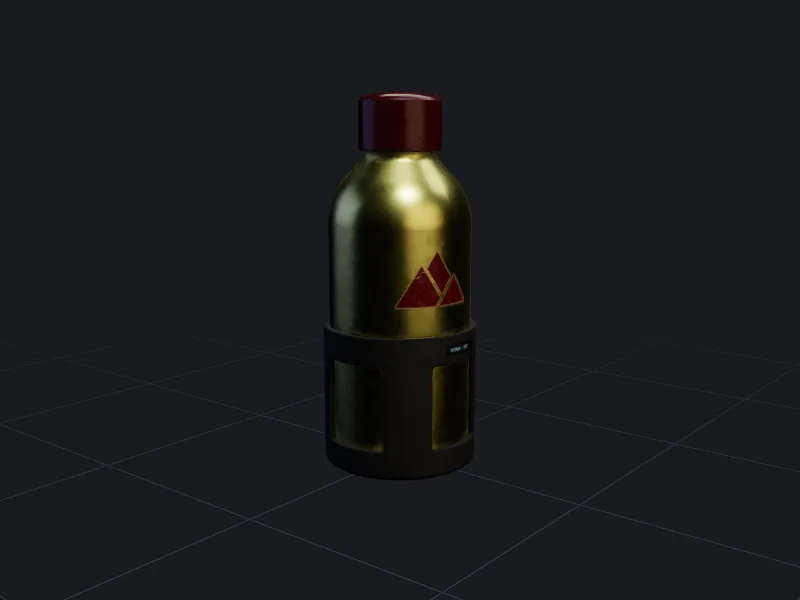
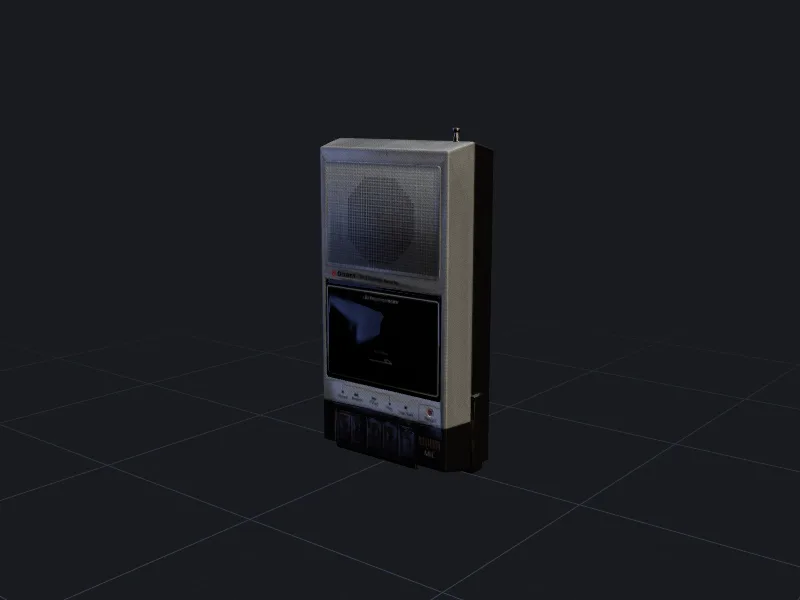
Design teams use threeD to turn early sketches into something they can rotate in a review. E-commerce teams use it to turn catalogue photos into interactive 3D and AR product views.
From catalogue photo to product viewer
- 1
Shoot reference views
Front, side and back on a plain background with soft, even light. - 2
Generate and correct
Run multi-view image to 3D, then fix any details that came out wrong with texturing. - 3
Publish variants
Create each colourway with AI texturing and export GLB and USDZ for the product page.
Faster concept reviews
A sketch is open to interpretation; a 3D model on a turntable is not. Generating rough 3D versions of concept sketches lets a review group look at proportions from every angle, early, before CAD work starts. The generated model is a communication tool, not a production model: final dimensions and engineering still belong in CAD.
Colourways and materials without reshooting
Once you have one good mesh, each new finish is a texturing job. The velvet lounge chair in our gallery shows the idea: one set of geometry with several upholstery colours stored as material variants in a single GLB file.
Always compare generated colourways with the physical product before publishing. Colour accuracy depends on your monitor and the viewer’s lighting, and customers return items that do not match.
Honest product representation
A 3D model on a product page is a promise about the product. Check proportions against real measurements, make sure logos and labels are correct (generated text is often wrong), and do not show features the product does not have. Treat the generated model like any other product photo that needs sign-off.
Questions people ask
Can the output go straight into manufacturing?
How do I show a 3D model on Shopify or another store?
Other ways teams use threeD
Make your first model in the studio
Every plan includes all the tools, commercial rights and every export format. Cancel any time.