Furniture and decor models for room visualisation
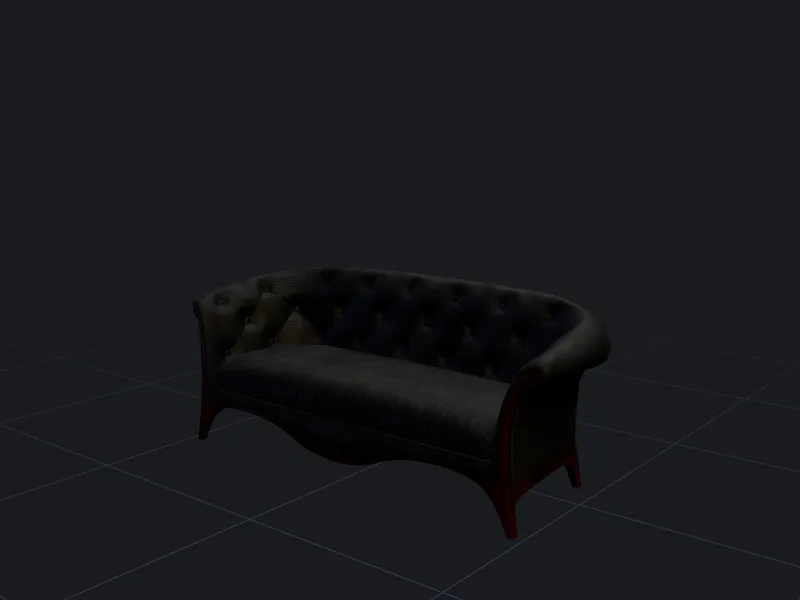
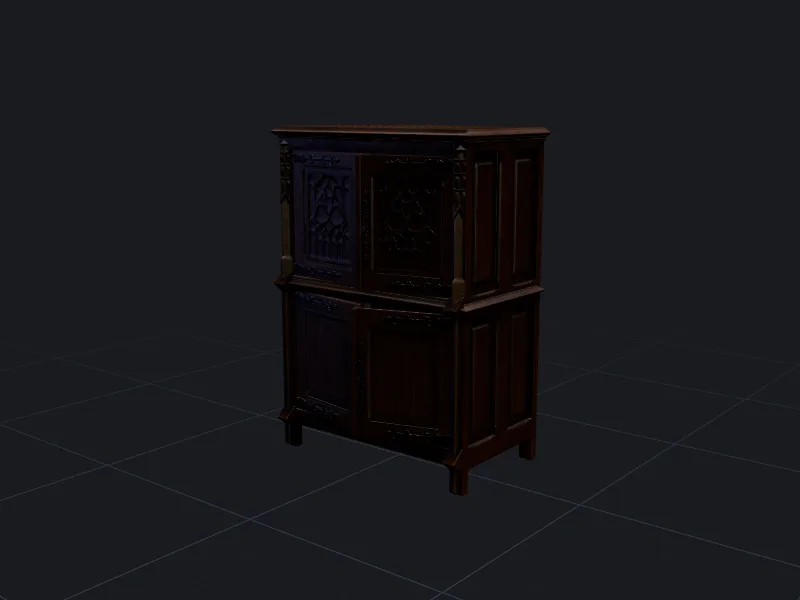
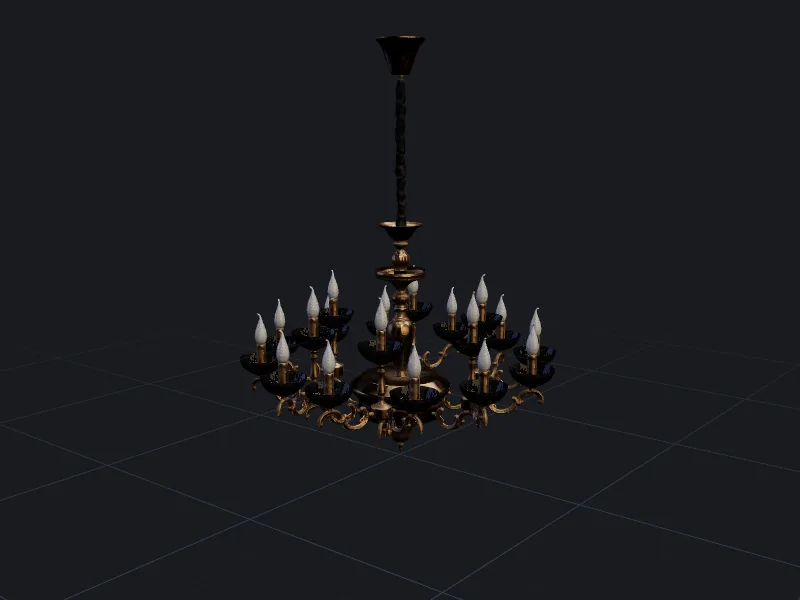
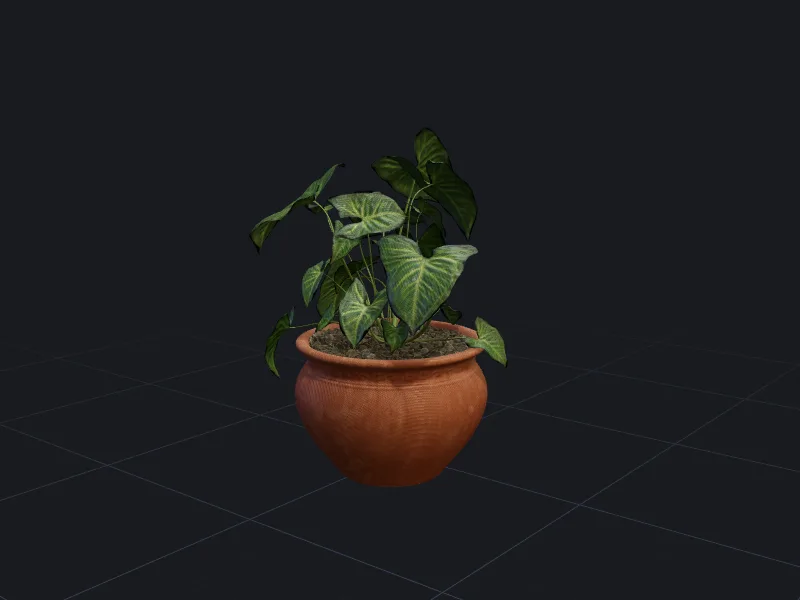
Interior designers and visualisers use threeD to turn a supplier photo or a sketch into a 3D piece they can drop into a room scene, instead of searching model libraries for something close enough.
Staging a room with generated pieces
- 1
Collect references
Use the supplier’s product photos, ideally front and side, or sketch a custom piece. - 2
Generate and size
Run image to 3D, then set the real width, depth or height from the spec sheet. - 3
Place and render
Export to your visualisation tool and swap finishes with AI texturing for client options.
When “close enough” from a model library is not enough
Clients notice when the sofa in the render is not the sofa they are buying. Model libraries rarely carry the exact piece from a smaller supplier, and modelling it by hand takes hours. Generating it from the supplier’s own photos gets the silhouette and proportions close in minutes; the finish can then be matched with a texturing pass.
Showing finish and fabric options
Once a piece exists in 3D, each upholstery or wood option is a texturing job rather than a new model. Generate the variants, render them in the same scene, and show the client side-by-side choices. The velvet lounge chair sample shows a related technique: several material variants stored in one file.
Fabric reads very differently under different light. Check every variant in the lighting of the actual scene before sending it to a client.
Getting dimensions right
A photo has no scale, so generated furniture needs real measurements applied. Use the overall width, depth and height from the product spec and set the most important one exactly; the others follow from the generated proportions. For built-in or made-to-measure pieces, model the fitted parts in your CAD or design tool and use generation for loose furniture and decor.
Questions people ask
Can I use supplier product photos?
Which tools can open the models?
Other ways teams use threeD
Make your first model in the studio
Every plan includes all the tools, commercial rights and every export format. Cancel any time.