Game-ready 3D assets without the asset backlog
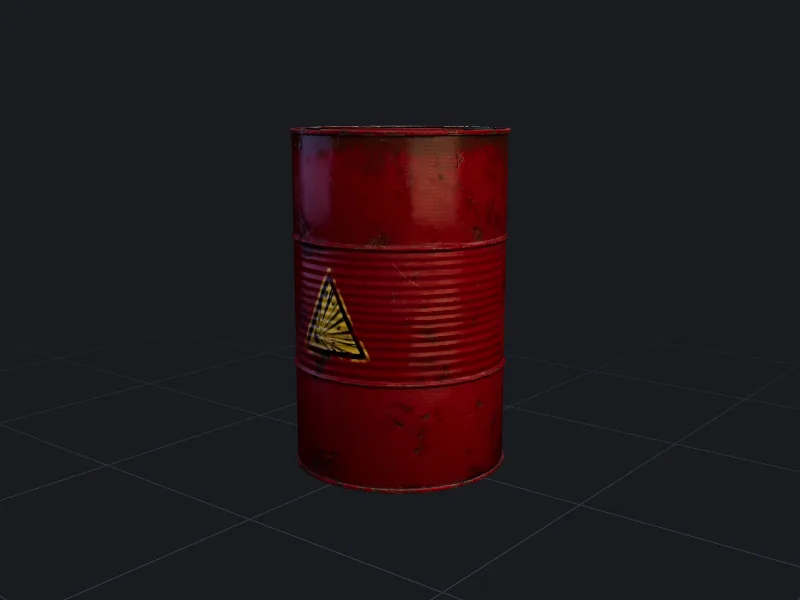
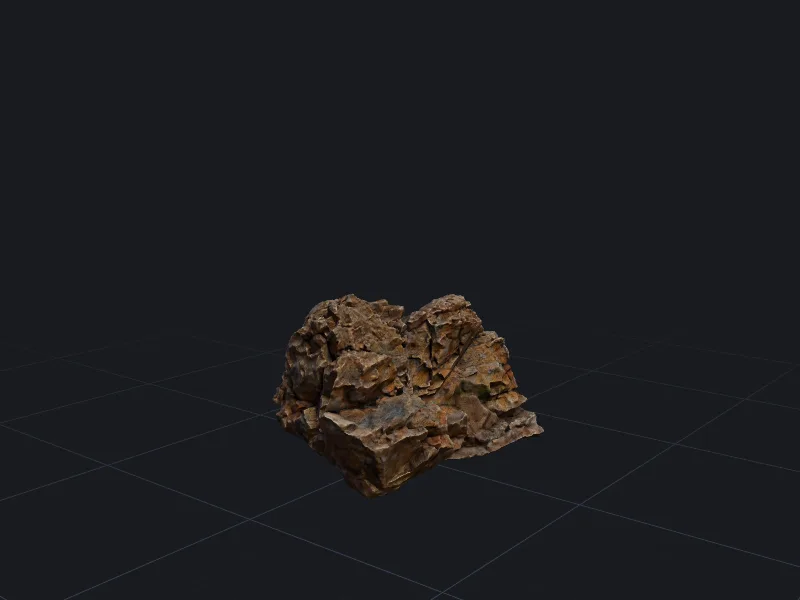
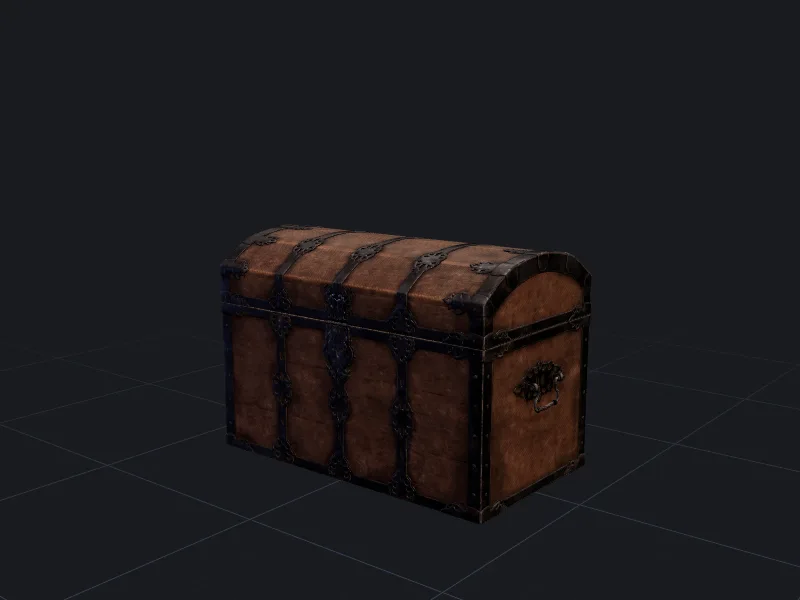
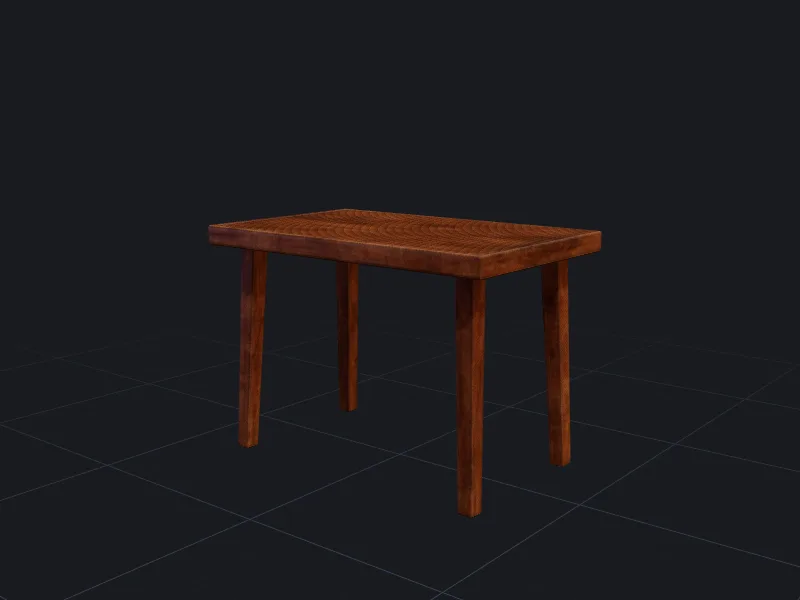
Small teams use threeD to fill levels with props, prototype characters and test art directions before committing an artist’s week to a final model.
A typical asset workflow for a game team
- 1
Block out
Generate previews from short prompts to fill a greybox level with correctly sized stand-ins. - 2
Lock the look
Refine the props that survive playtesting and retexture them to match your palette. - 3
Optimise
Remesh to your platform budget, generate LODs, then export with collision-friendly geometry.
Importing into Unity, Unreal Engine and Godot
Unity: drop the FBX into your Assets folder. Materials import with the metallic-roughness maps assigned; for URP, check that the smoothness source is set to the metallic map’s alpha or use the separate roughness export option. LODs named _LOD0 to _LOD3 are grouped into an LOD Group automatically.
Unreal Engine: import the FBX and enable “Import Textures”. Choose the ORM packed-texture export to plug roughness, metallic and AO into a single texture sample, which is how Unreal’s default materials expect them.
Godot: GLB imports directly with materials. Godot 4 reads the glTF PBR material model natively, so no conversion is needed.
Keeping a consistent art style across hundreds of assets
The biggest risk with generated assets is that each one looks like it came from a different game. Three habits help:
- Save a style preset: the same style keywords, texture resolution and art style on every generation.
- Use one or two reference images as a style anchor for the whole set.
- Retexture outliers with AI texturing instead of regenerating them.
- Agree triangle budgets per asset type up front; polygon budgets by platform is a good starting point.
Where generated assets fit, and where they do not
Generated models work well for background props, set dressing, collectibles and fast prototypes. Hero characters, weapons the player looks at for hours, and anything with tight animation requirements usually still need an artist to finish them. Many teams use generation as the first 20% of those assets: a blockout an artist then retopologises and details.
Questions people ask
Can I sell a game that uses models generated with threeD?
Do generated models come with collision meshes?
Will the models work on mobile?
Other ways teams use threeD
Make your first model in the studio
Every plan includes all the tools, commercial rights and every export format. Cancel any time.